You’ve probably seen it before. A notification pops up saying one of your passwords has been compromised. Your stomach drops. You close the notification and tell yourself you’ll deal with it later.
Most people never do.
That’s exactly what cybercriminals are counting on.
A compromised password is one of the most dangerous things that can happen to you online. And right now, the odds are higher than ever that at least one of yours is already out there.
What Does “Compromised Password” Mean?
A compromised password is one that has been exposed in a data breach and is now circulating among cybercriminals, either sold on the dark web, shared in hacker forums, or used in automated attacks against your accounts.
It doesn’t mean someone is actively logged into your accounts right now. But it does mean the door is unlocked.
In 2025, Cybernews discovered datasets containing almost 16 billion stolen login credentials, potentially exposing millions of people to the risk of their passwords, usernames, and email addresses being used by fraudsters.
That’s not a distant, abstract threat. Those are real people’s real passwords, people who did nothing wrong except trust a website that got hacked.
How Does a Password Get Compromised?
Most people assume their password gets compromised because they did something careless. Often, that’s not the case at all.
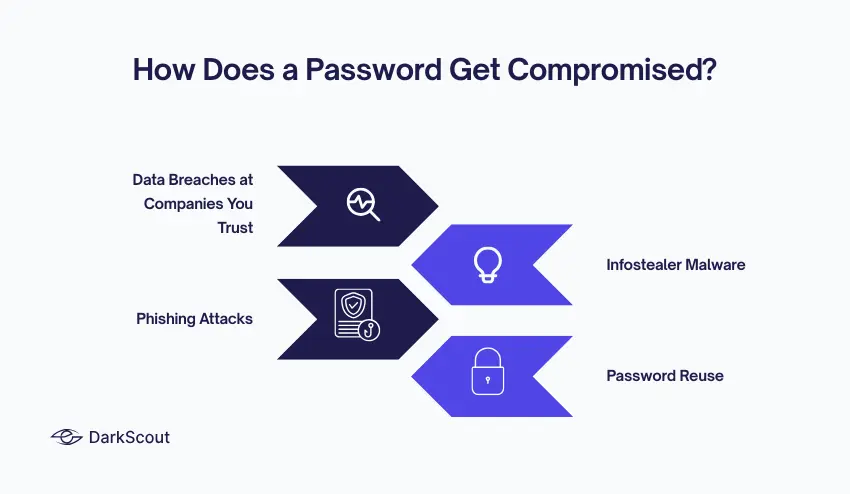
1. Data Breaches at Companies You Trust
The most common cause. A retailer, a healthcare provider, or a streaming service gets hacked. Millions of customer records get stolen. Your email and password are in that database, through no fault of your own.
Stolen credentials are now involved in 22% of all data breaches, making them the single largest cause of breaches, surpassing phishing and software vulnerabilities.
2. Infostealer Malware
Silent software that infects your device and harvests passwords directly from your browser, without you ever noticing.
Tools like RedLine, Raccoon, and Vidar have been used in some massive data breaches. They slip in, grab your data, and disappear before you even notice. You don’t have to click anything suspicious. Sometimes visiting a compromised website is enough.
3. Phishing Attacks
A convincing fake email pretending to be your bank, your email provider, or a service you use. You enter your credentials on a fake login page. They go straight to an attacker.
4. Password Reuse
This one is entirely in your hands, and it’s the most damaging.
Research found that 70% of users exposed to breaches reused old, compromised passwords across multiple accounts. A single exposed password can be the key to multiple accounts, fueling credential stuffing and account takeovers.
One password compromised at one website can unlock your email, your banking, your social media, and everything you used the same password for.
What Can Someone Do With Your Compromised Password?
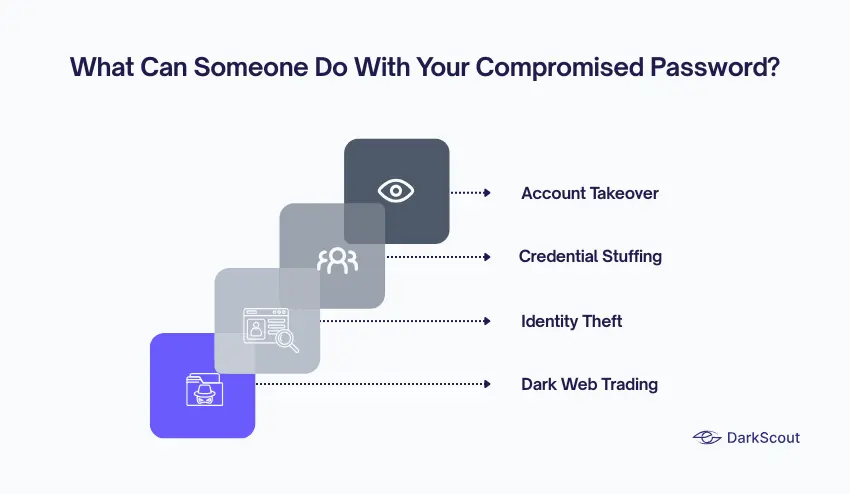
Once a criminal has your password, the clock is ticking. Here’s what they do with it.
Account Takeover. They log in, lock you out by changing the password, and then own the account. Your email. Your social media. Your online banking.
Credential Stuffing. Automated tools try your username and password combination across hundreds of other websites, looking for matches. If you reused that password anywhere, they’ll find it.
Identity Theft. With access to your email, they can reset passwords on every other account linked to it, your bank, your pension, and your medical records.
Dark Web Trading. Your credentials get packaged and sold to other criminals. Nearly 80% of compromised email accounts appear on the dark web, and organisations with leaked credentials are over 2.5 times more likely to suffer a breach.
Signs Your Password May Already Be Compromised
You don’t always get a warning. But these are signs that something is wrong:
- You get a login alert from an unfamiliar device or location
- You’re suddenly locked out of an account you haven’t touched
- Your contacts receive messages you didn’t send
- You notice purchases or activity you don’t recognise
- A security tool or your browser flags a compromised credential
Don’t ignore these. Each one is a signal that needs immediate attention.
How to Check If Your Password Is Compromised
You shouldn’t have to wait for something to go wrong to find out.
The fastest way is to check your email address against known breach databases. DarkScout’s free email scan searches billions of leaked records instantly and shows you whether your credentials have appeared in any known breach, no account needed, completely free.
For ongoing protection, DarkScout’s dark web monitoring continuously watches criminal forums and dark web marketplaces for your credentials, alerting you the moment something surfaces. A one-time check tells you about today. Monitoring tells you about tomorrow.
What to Do If Your Password Is Compromised
Finding out is the best-case scenario. Here’s exactly what to do.
1. Change the compromised password immediately. Don’t delay. Log in and change it to something new, something you’ve never used anywhere else.
2. Change it everywhere you reused it. If that password was used on five other sites, change it on all five. Today.
3. Turn on two-factor authentication (2FA). Even if a criminal has your password, 2FA means they still can’t get in without your phone. Enable it on every important account, email, banking, and social media.
4. Check for suspicious activity. Look through your account settings, recent logins, and connected apps. Criminals often set up forwarding rules or add recovery email addresses to keep access even after you change your password.
5. Use a strong, unique password going forward. Not your pet’s name. Not a birthday. A genuinely random string of characters, different for every single account. DarkScout’s free password generator creates strong, unpredictable passwords instantly.
6. Consider a password manager. If you’re using unique passwords for every account, which you should be, you can’t memorise them all. A password manager stores them securely so you only need to remember one.
How to Stop It Happening Again
The honest answer is that you can’t guarantee it won’t. Even doing everything right, a company you trusted could still get breached tomorrow.
What you can control is how quickly you find out and how much damage gets done.
Use unique passwords for every account. Enable 2FA everywhere. And set up dark web monitoring so that if your credentials surface somewhere, they shouldn’t know about it before a criminal gets the chance to use them.
Breaches involving stolen credentials take an average of 292 days to identify and contain, the longest of any attack vector. The gap between “your password was stolen” and “you find out about it” is where the real damage happens.
Monitoring closes that gap.
The Bottom Line
A compromised password isn’t just an inconvenience. It’s an open door to your digital life.
The good news is that it’s one of the most fixable security problems there is. Change the password. Enable 2FA. Use unique credentials everywhere. And keep watching for new exposures.